Skip to content
PrintNicely
Language: English

Make a printable calendar from Google Calendar

Your own events, on a calendar that looks good on the fridge or the office wall. Pick a design, pick a layout, print.

Don’t have your file yet? How to export your Google Calendar →

1. Add your calendar

Where do I find my calendar’s link?
  1. On a computer, open Google Calendar › ⚙ › Settings.
  2. On the left, under “Settings for my calendars”, click your calendar.
  3. Scroll to “Integrate calendar” and copy “Secret address in iCal format”.
  4. Paste it above and click Load. Keep that address private: anyone who has it can see your calendar.

For calendar links that end in .ics, start with webcal://, or come from “Publish” or “Subscribe” options. Our server downloads the file and passes it straight to your browser; the link and the calendar are not stored or logged.

Or add an exported file

Drop the .zip from Google Calendar’s export, or one or more .ics files.

Your files are read in this browser only. Nothing is uploaded.

2. Choose how it prints

Layout
Design
Dates
Busy days
Show
More options
Text size
0
Filter events

To save a PDF, choose “Save as PDF” as the printer. Turn off the browser’s “Headers and footers” option for a cleaner page.

Preview

A month per page; busy days continue on a marked page.Example

Add a calendar file or try the sample to see your printout here.

Every layout is tested by printing it to PDF on Letter and A4 paper, so the preview is what you get. Your file stays in your browser.

The six designs

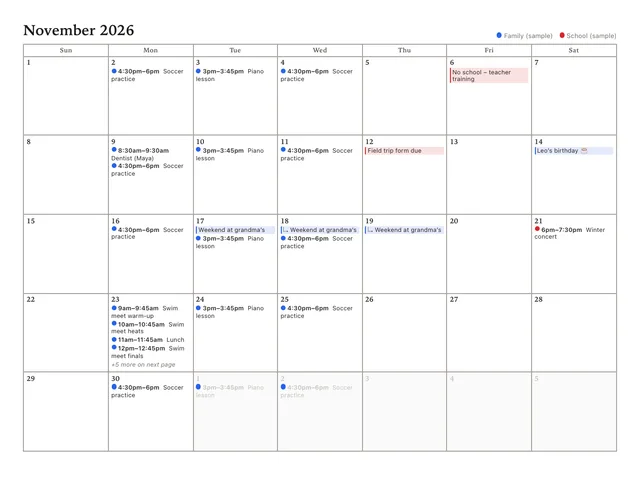
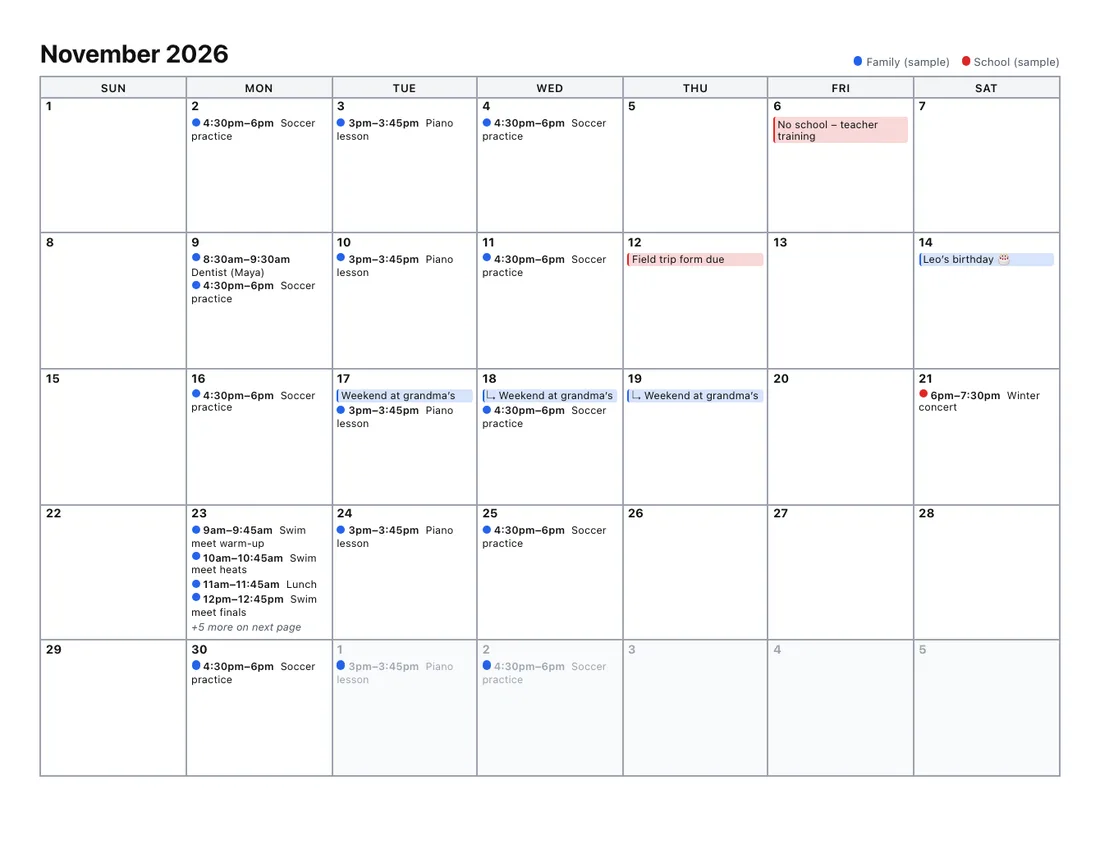
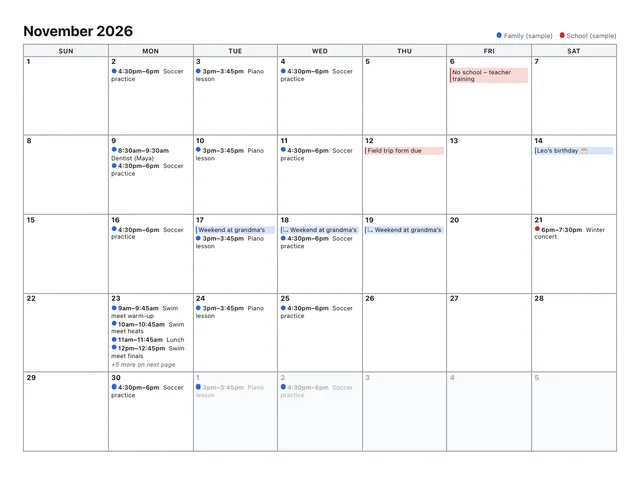
Every design works with every layout. Here is the same sample month in each one:
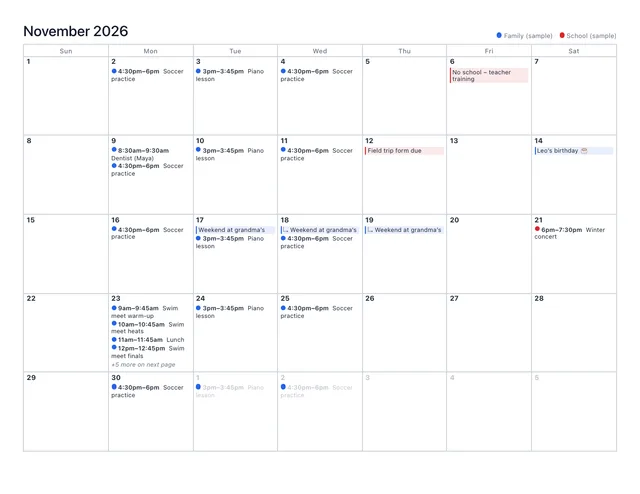
Sample month calendar printed in the Classic design
Classic: Gray grid, colored dots and tinted all-day bars.
Sample month calendar printed in the Minimal design
Minimal: Hairline borders, no fills, lots of white space.
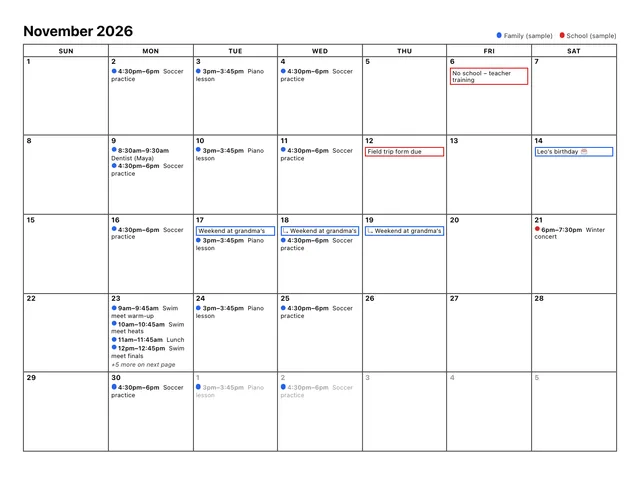
Sample month calendar printed in the Ink saver design
Ink saver: Outlines only, no background fills. Best for home printers.
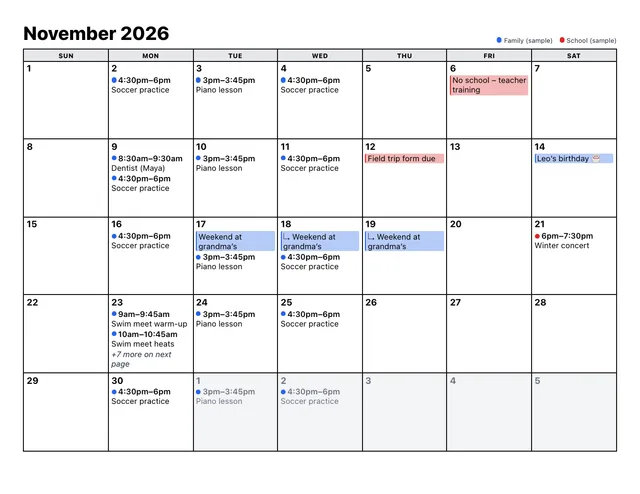
Sample month calendar printed in the Bold & clear design
Bold & clear: Large type, thick lines, high contrast. Easy to read from a distance.
Sample month calendar printed in the Soft colors design
Soft colors: Rounded, pastel and friendly. Nice for family calendars.
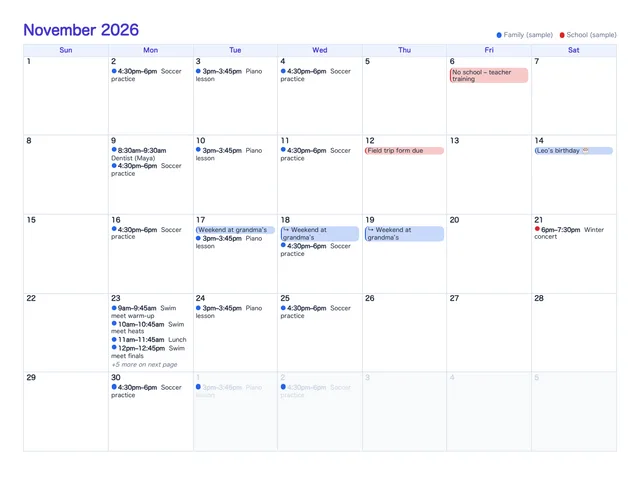
Sample month calendar printed in the Elegant design
Elegant: Serif headings, thin rules and quiet colors. Planner style.

Pick a layout

Finishing touches

  • A title on each page, such as “The Garcia family”.
  • Your own color for each calendar, or one color, or grayscale.
  • Notes area, week numbers and mini calendars of the months around it.
  • Letter, A4, A3 or Legal paper, with narrow, normal or wide margins.

Need your calendar file first? Here’s how to export it. Outlook user? Use the Outlook calendar printer.

Frequently asked questions

Can I make a nice-looking printable calendar from Google Calendar?
Yes. Export your Google Calendar, drop the file here, pick a layout and one of six designs, and print or save a PDF. Your own events are filled in automatically.
Which design uses the least ink?
“Ink saver” uses outlines only, with no background fills. You can also set Colors to “Grayscale” or “One color” with any design.
Which design is easiest to read from a distance?
“Bold & clear” uses larger type, thicker lines and high contrast. You can make the text larger still with the text-size buttons under “More options”.
Do you have blank calendar templates?
No. This tool fills a calendar with your own events from Google Calendar, Outlook or any calendar file. For an empty calendar to write on, a blank-template site is the better choice.