Skip to content
PrintNicely
Language: English

Print a year of Google Calendar on one page

See your whole year at a glance: twelve months on one page, with busy days shaded. Great for planning holidays, school terms and project deadlines.

Don’t have your file yet? How to export your Google Calendar →

1. Add your calendar

Where do I find my calendar’s link?
  1. On a computer, open Google Calendar › ⚙ › Settings.
  2. On the left, under “Settings for my calendars”, click your calendar.
  3. Scroll to “Integrate calendar” and copy “Secret address in iCal format”.
  4. Paste it above and click Load. Keep that address private: anyone who has it can see your calendar.

For calendar links that end in .ics, start with webcal://, or come from “Publish” or “Subscribe” options. Our server downloads the file and passes it straight to your browser; the link and the calendar are not stored or logged.

Or add an exported file

Drop the .zip from Google Calendar’s export, or one or more .ics files.

Your files are read in this browser only. Nothing is uploaded.

2. Choose how it prints

Layout
Design
Dates
Show
More options
Text size
0
Filter events

To save a PDF, choose “Save as PDF” as the printer. Turn off the browser’s “Headers and footers” option for a cleaner page.

Preview

12 small months; busy days shaded.Example

Add a calendar file or try the sample to see your printout here.

Every layout is tested by printing it to PDF on Letter and A4 paper, so the preview is what you get. Your file stays in your browser.

Two ways to print a year
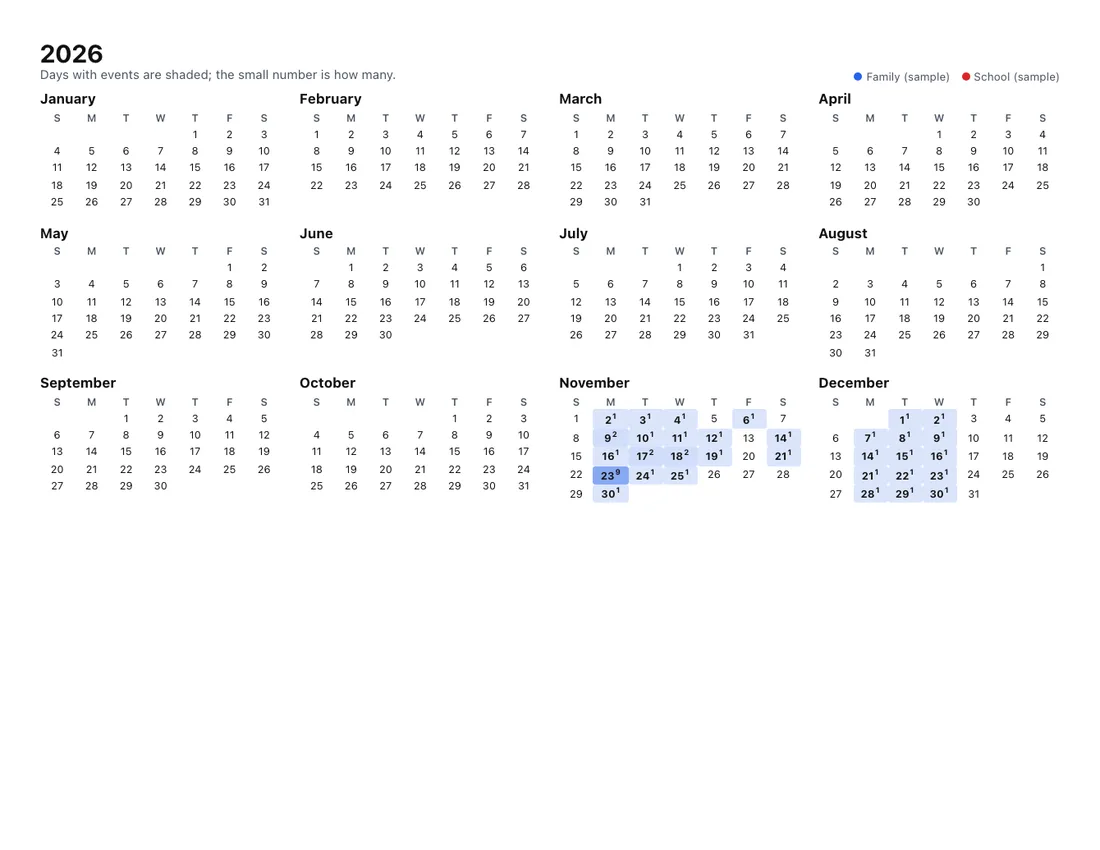
A printed year overview of 2026 with twelve small months; November and December days with events are shaded blue
Year overview: 12 small months, busier days darker.
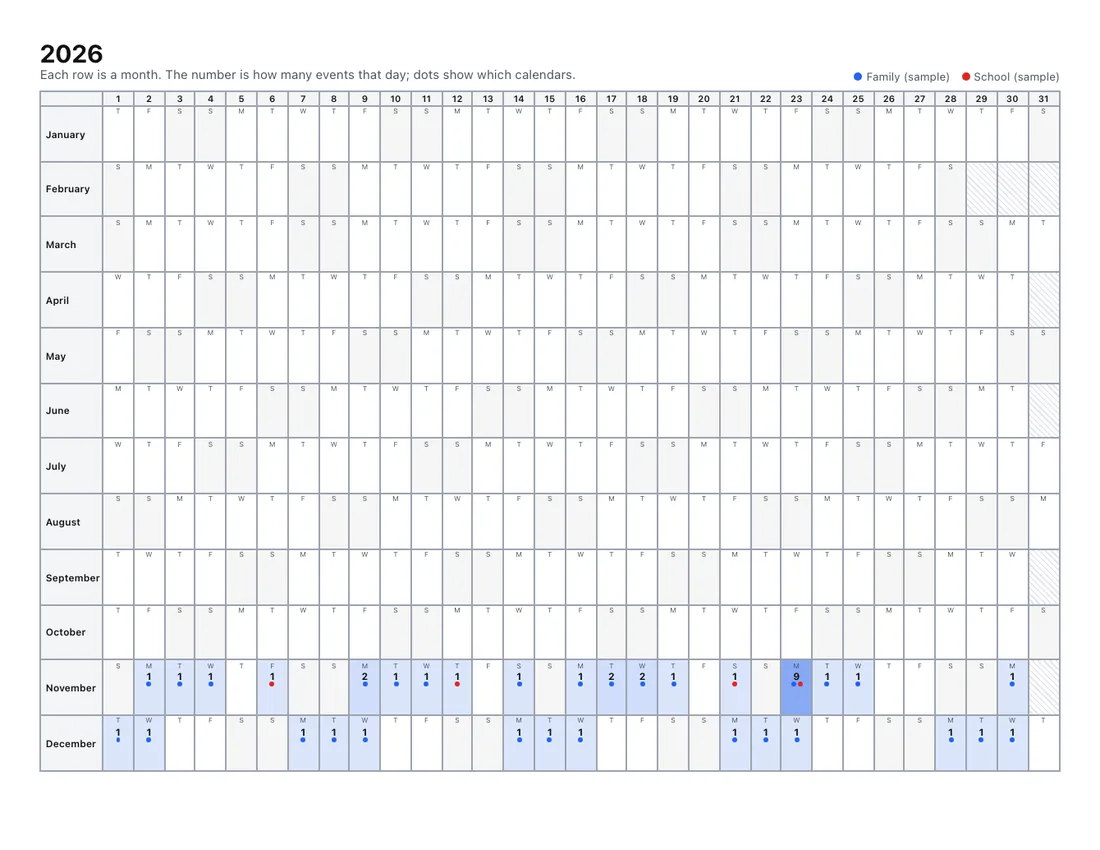
A printed linear year planner with one row per month and one column per day, showing event counts and colored dots
Linear year: wall-planner style, one row per month.

Tips

  • Choose “This year” under Dates, or any range up to three years (one page per year).
  • Landscape A3 makes a great wall planner; on Letter or A4 the year overview is still easy to read.
  • Add your country’s public holidays by adding a holiday calendar file next to your own; it gets its own color.
  • For titles of each event, switch to Several months (2 or 6 months per page).

Get your Google Calendar file

On a computer: Google Calendar › gear icon › Settings › Import & export › Export. Drop the .zip above. Full export guide.

Also see: month view and week view.

Frequently asked questions

Can Google Calendar print a whole year?
Google Calendar has a Year view on screen, but its print options are built around a chosen date range of the current view. The year layouts here print all 12 months on one page from your calendar file.
What does the year overview show?
Twelve small months. Days with events are shaded (darker means busier) and a small number shows how many events that day has.
What is the linear year layout?
A wall-planner style page: one row per month and one column per day of the month, with event counts and colored dots showing which calendars have something that day.
I need to see event titles, not just counts. What should I use?
Use “Several months” to print 2 or 6 months per page with event titles, or the month grid for one month per page.